
Reacher Stephen
TikTok Seller Account Guide: Seller Center Sign Up, USA Setup, Login, and Deletion
Set up your TikTok seller account the right way: TikTok Shop Seller Center sign up, USA document requirements, the app and APK, login fixes, and how to delete your account.
tiktok seller account
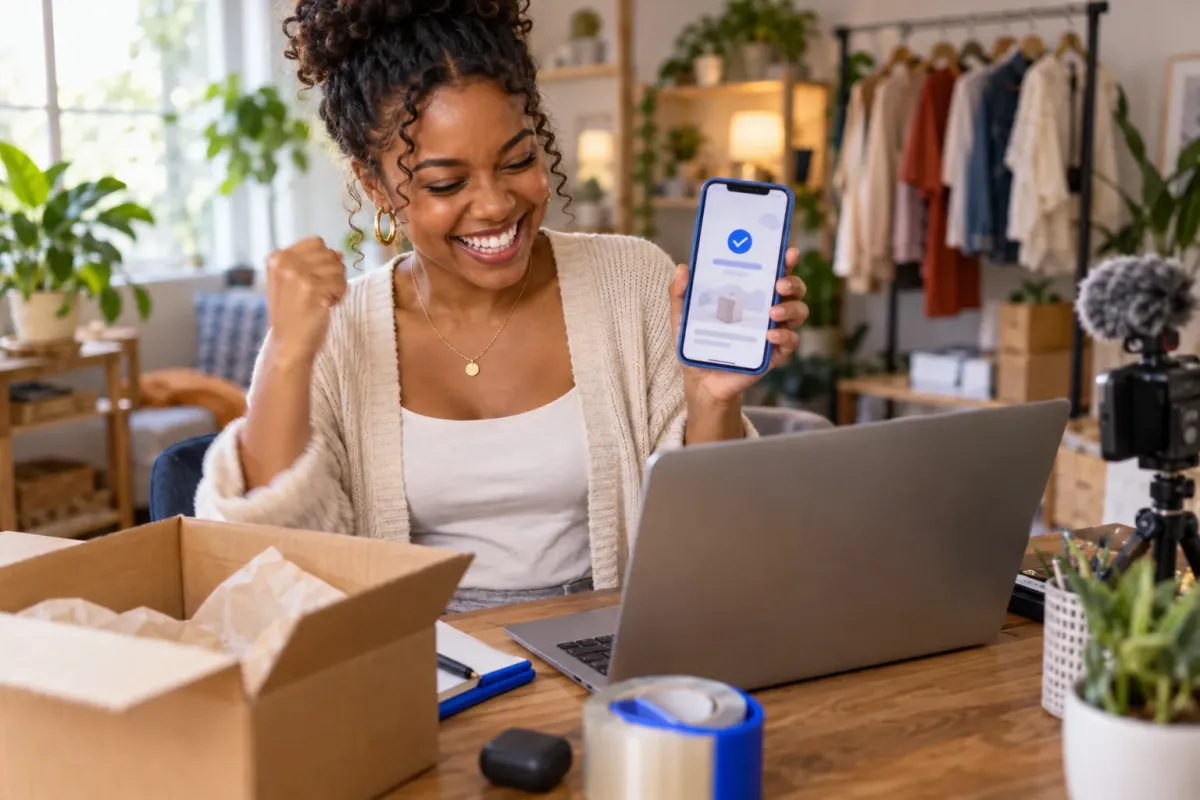
A tiktok seller account gives a merchant access to TikTok Shop tools for managing products, orders, promotions, and shop operations. Start registration through the Seller Center for your country, select the correct seller type, and prepare your documents before submitting.
Key Takeaways
- A tiktok seller account gives merchants access to TikTok Shop tools for managing products, orders, promotions, and daily shop operations.
- Registration starts in Seller Center, so make sure you select the correct seller type for your business before submitting your application.
- Preparing your required documents in advance helps you avoid delays during the verification and setup process.
- Once your account is live, affiliate creators become the fastest path to scale your TikTok Shop revenue through consistent, commission-driven promotion.
This guide explains how Seller Center differs from a regular TikTok profile and walks through registration, from account selection to shop review. Use the official regional portal and enter information that matches your identity or business records.
What a TikTok Seller Account Is (and How It Differs From a Creator Account)
Seller Account vs. Personal TikTok Account vs. Organization Account
A seller profile is the access point for operating a TikTok Shop. It connects the seller to commerce functions, while a personal TikTok profile is primarily for watching and publishing content. A creator account focuses on creator features and content activity rather than shop administration. These roles can work together, but they are not interchangeable: opening Seller Center does not automatically turn a personal profile into a shop.
Choose the registration type that matches who owns the shop. Individual sellers register with personal details; businesses submit company information and authorized representative details. TikTok’s business help documentation sets limits on using an Organization Account for seller registration, so check current eligibility rules before choosing it. Do not purchase or borrow an account to bypass verification. Identity mismatches can prevent review or create access and ownership disputes.
Inside TikTok Shop Seller Center: What the Dashboard Actually Controls
The tiktok shop seller center is the merchant workspace for shop operations. Its tools cover product listings and inventory, order processing, promotions, performance analytics, finance information, and affiliate activity. Use it to review shop status, manage fulfillment, update catalog details, and monitor business activity. Not as a public TikTok profile control panel.
Separate operational reporting from content research. FastMoss TikTok Data Analytics Platform is a separate analytics product positioned around tracking competitor performance, discovering products, creator analytics, trend detection, and live performance tracking, with a stated data accuracy guarantee. It does not replace Seller Center’s shop administration functions. Use it for market and content analysis, not registration or order management.
Where to Find the Correct Seller Center URL by Region
TikTok Shop operates locally by market, and sellers must register separately for each region where they plan to sell. Use TikTok’s official Seller Center entry point for the target country, not a search ad, unofficial login page, or link from a message. The US registration portal is seller-us.tiktok.com; TikTok also maintains a general seller portal at seller.tiktok.com. Confirm the country shown before entering personal or business information.
| Account or workspace | Main purpose | What to use it for |
|---|---|---|
| Personal TikTok profile | Content and audience activity | Publishing and interacting on TikTok |
| Creator account | Creator-focused activity | Managing creator content and related tools |
| Seller Center | Shop administration | Products, orders, promotions, analytics, finance, and affiliate operations |
TikTok Seller Account Sign Up: The Complete Step-by-Step Walkthrough

For tiktok seller account sign up, use the official Seller Center for your selling region and submit information that matches your supporting records. Gather documents first to reduce delays from inconsistent names, outdated addresses, or a mismatched entity type.
Step 1: Choose Your Seller Type, Individual vs. Business
Select individual registration if you are applying as a person. Choose business registration when the shop belongs to a company or other eligible organization. Base the choice on legal ownership and available documents, not which option seems faster. Review TikTok’s current seller terms and eligibility requirements before continuing.
| Registration type | Applicant details | Prepare to provide |
|---|---|---|
| Individual | The seller’s legal identity | Government ID and requested personal verification details |
| Business | The legal entity and its representative | Business registration information and representative identity documents |
Step 2: Verify Your Email and Phone Number
Register with an email address and phone number you control. Enter TikTok’s verification codes and keep access to both methods for account security and recovery. Check for typos and confirm neither contact method is tied to an inaccessible account.
Step 3: Submit Documents and Accept TikTok’s Seller Terms
Upload clear, current documents through the official portal and complete each requested identity or business field. Review the seller terms, including obligations tied to shop operations and information you certify. Prepare this checklist:
- Government-issued identification for the applicant or authorized representative
- Business registration details, if applying as a company
- Matching legal name and address information
- Payment or bank details when requested during setup
- Working email and phone access for verification messages
Step 4: Name Your Shop and Upload Your First Listings
Choose a shop name that represents your business and meets TikTok’s naming rules. Add product listings with accurate titles, descriptions, images, pricing, and category details. Check for completeness before submission; unclear information can require edits before products are ready for sale.
Step 5: Approval Timeline and What Happens During Shop Review
TikTok reviews the submitted identity or business information and shop details before approving registration. Review duration varies, so rely on the status shown in Seller Center rather than an assumed turnaround. If TikTok requests clarification or revised documents, respond through the account and match the original records. Once approved, review shop settings and listing status before accepting orders.
TikTok Shop Seller Center USA: Documents, Tax Info, and Regional Differences
For a US shop, start at TikTok’s official US Seller Center registration entry point, seller-us.tiktok.com/account/register. Registration in one country does not register a seller in another. Select the United States before entering personal or business information, and confirm the portal remains on TikTok’s official domain before uploading sensitive records.
The US Document Set: ID, SSN or EIN, Bank Verification, and Proof of Address
Prepare records that establish the applicant’s identity, business status when applicable, US tax information, and payment details. TikTok displays the specific fields for the selected seller type; follow those prompts rather than an unofficial checklist. Names and addresses should match across documents, tax records, and bank information to reduce verification delays.
- Individual applicant: A current government-issued photo ID and the personal identity and tax details requested in Seller Center, which may include an SSN.
- Business applicant: Business registration information, an authorized representative’s identity documents, and requested business tax details, which may include an EIN.
- Payment setup: Bank account information for payout verification, with account ownership details consistent with the seller’s registration.
- Address verification: The current residential or business address requested for the chosen seller type, supported by matching records if TikTok asks for proof.
Tax reporting requirements depend on the seller’s legal structure and circumstances. Use the tax information requested in Seller Center, and consult a qualified tax professional about your obligations. Do not send identity or banking documents through messages or third-party forms.
How the USA Seller Center Differs From Other Markets
The US portal is designed for US shop registration and its local verification process. Sellers operating in another supported market must use that market’s Seller Center and complete separate registration. Product eligibility, required information, and available shop functions can vary by country; a completed US review does not grant access to another regional shop.
Use the US-specific tiktok shop seller center usa entry point for a US application. Check the country selection and official domain before signing in, especially from a search result or saved browser tab. The correct regional portal ties your application to the market where you intend to sell.
TikTok Shop Seller Center App vs. the APK Search: The Safe Answer
Use TikTok’s official app listing or the official Seller Center website to access seller tools. An APK is an Android installation package; a file offered outside an official app store or TikTok-controlled source can be altered, outdated, or designed to collect login credentials. Searching for a tiktok shop seller center apk is not a safe substitute for confirming the publisher and source.
Seller Center Login Fixes, Shared-Account Risk, and How to Delete Your Seller Account
Login trouble, account restrictions, and closure requests require different actions. Identify whether the issue affects Seller Center access, the linked TikTok profile, or shop standing. Use official recovery and support flows, keep ownership details consistent, and avoid account brokers or informal “middlemen” who request credentials, identity documents, or payment to transfer access.
Why Your Seller Center Login Fails: 2FA, Browser, and Suspension Errors
Use this sequence to identify the likely cause before changing account details:
- Verification code fails: Confirm the code is current, check the email or phone number on file, and ensure the device can receive messages. Never share a one-time code.
- Page loops or will not load: Update the browser, enable cookies, and retry in a private window or another supported browser. Avoid unfamiliar sign-in links.
- Password or account recovery fails: Use TikTok’s official recovery process for the email or phone attached to the account. If those details are inaccessible, use the platform’s support route.
- Suspension or restricted access appears: Read the notice in Seller Center and submit an appeal or requested records through the official channel. Repeated login attempts do not resolve a policy restriction.
How a Content Violation on Your TikTok Account Hits Your Seller Account
A linked TikTok profile and shop have distinct functions, but account standing and policy reviews can affect access to commerce features. A content or account enforcement notice may prompt additional review or limit shop activity. Check both the profile’s notifications and Seller Center notices, then respond to the specific policy issue through the designated appeal process. Do not create or buy another profile to bypass a restriction; disputed ownership can complicate recovery and verification.
How to Delete Your TikTok Seller Account, and What Happens to Payouts, Listings, and Reviews
Before requesting closure, review TikTok’s current Seller Center instructions and resolve open orders, returns, disputes, and customer service obligations. Check payout status and download records you need to retain. Closure does not replace completing outstanding transactions, and it can affect shop listings, customer-facing pages, and access to historical shop information.
Submit a closure request through the official account settings or support path, then follow the confirmation or eligibility steps shown. Ask TikTok support about pending funds, records retention, and whether reviews or listing history remain visible after closure; outcomes depend on platform rules and account status. Keep confirmation of the request. Uninstalling the app does not delete the shop.
TikTok Shop vs. Shopee vs. Lazada Seller Center: A Multi-Marketplace Comparison
Seller portals share basic commerce tasks, but each marketplace has its own account process, tools, and regional rules. Use this comparison to identify a workspace for a specific task, then verify current eligibility and requirements with that marketplace’s official documentation.
| Seller workspace | Primary use | Regional consideration |
|---|---|---|
| TikTok Shop Seller Center | Shop administration, including catalog and order workflows | Registration is market-specific; use the portal for the country where you plan to sell |
| Shopee Seller Center | Managing seller activity within Shopee’s marketplace | Available tools and onboarding depend on the relevant Shopee market |
| Lazada Seller Center | Managing seller activity within Lazada’s marketplace | Confirm market eligibility and local account requirements with Lazada |
After Setup: Turning Your TikTok Seller Account Into GMV With Affiliates and Creators

A working tiktok seller account gives you the foundation to sell, but products need discovery and promotion to generate orders. Affiliates put products in front of audiences through creator content, while clear offers and reliable fulfillment support promotion. Treat recruitment as an operating process: select suitable products, define the offer, invite creators, and track participation and sales.
Connecting Your Shop to the Affiliate Center and Product Tagging
Start in Seller Center and locate the affiliate tools available to your shop. Review eligibility and setup prompts, then choose products for creator promotion. Check inventory, product details, commission terms, and discounts before inviting affiliates. Accurate listings and clear offers help creators assess product fit.
- Choose products that are ready to ship and have complete, accurate listings.
- Set the commission and any promotional offer in line with your unit economics.
- Invite creators through the available affiliate workflow and explain the product’s key selling points.
- Review tagged content and shop performance, then adjust product selection or terms based on what you learn.
Product tagging connects creator content to the shop listing, giving viewers a direct path to explore and purchase. Confirm the tagged item, price, and inventory before a campaign goes live; a strong video cannot compensate for an unavailable product or inaccurate listing.
Recruiting Creators at Scale: Why Manual Outreach Stops Working
Manual recruitment can work for a small test, but becomes difficult to sustain as a program grows. Teams must identify suitable creators, assess content, personalize invitations, manage replies, coordinate samples, and follow up. Generic messages can miss a creator’s interests, while inconsistent follow-up leaves qualified partners waiting.
Build a repeatable process. Define the creator profile by audience, content style, product fit, and prior shop activity. Track invitations and responses, set sample rules, and re-engage creators who showed interest but did not publish. Assess participation, tagged content, orders, and commission costs. Not outreach volume alone.
How Reacher Automates Creator Discovery, Outreach, and Affiliate Management
Reacher helps brands manage creator recruitment and affiliate programs in one system. AI Creator Search Brands can automate outreach across DM, Target Collab, and email at up to 10,000 creators a day, with personalized messages drafted for each creator and a preview available before sending.
After recruitment, the creator CRM tracks status, messages, samples, and GMV per creator. Sample requests run through one queue, and Re-engage helps bring back creators who have stalled. Your team can follow work from discovery to ongoing program management while keeping offer strategy, product readiness, and relationship decisions in your hands.
For additional market research, the FastMoss TikTok Data Analytics Platform is positioned for competitor performance tracking, product discovery, creator analytics, trend detection, and live performance tracking. It is a separate analytics resource, not a substitute for Seller Center or affiliate program management. FastMoss can inform research, while Reacher supports creator discovery, outreach, and affiliate operations.
Frequently Asked Questions
Can I buy or borrow a TikTok seller account instead of registering one?
No. Purchasing or borrowing an account to bypass verification risks identity mismatches that can prevent review or create access and ownership disputes. Register directly through the official Seller Center with information that matches your identity or business records.