

Reacher Stephen
How to Create a TikTok Shop Account in 2025: Step-by-Step Seller Guide
Learn how to create a TikTok Shop seller account, navigate Seller Center, and start selling in the US. Step-by-step guide with requirements, login tips, and app setup.
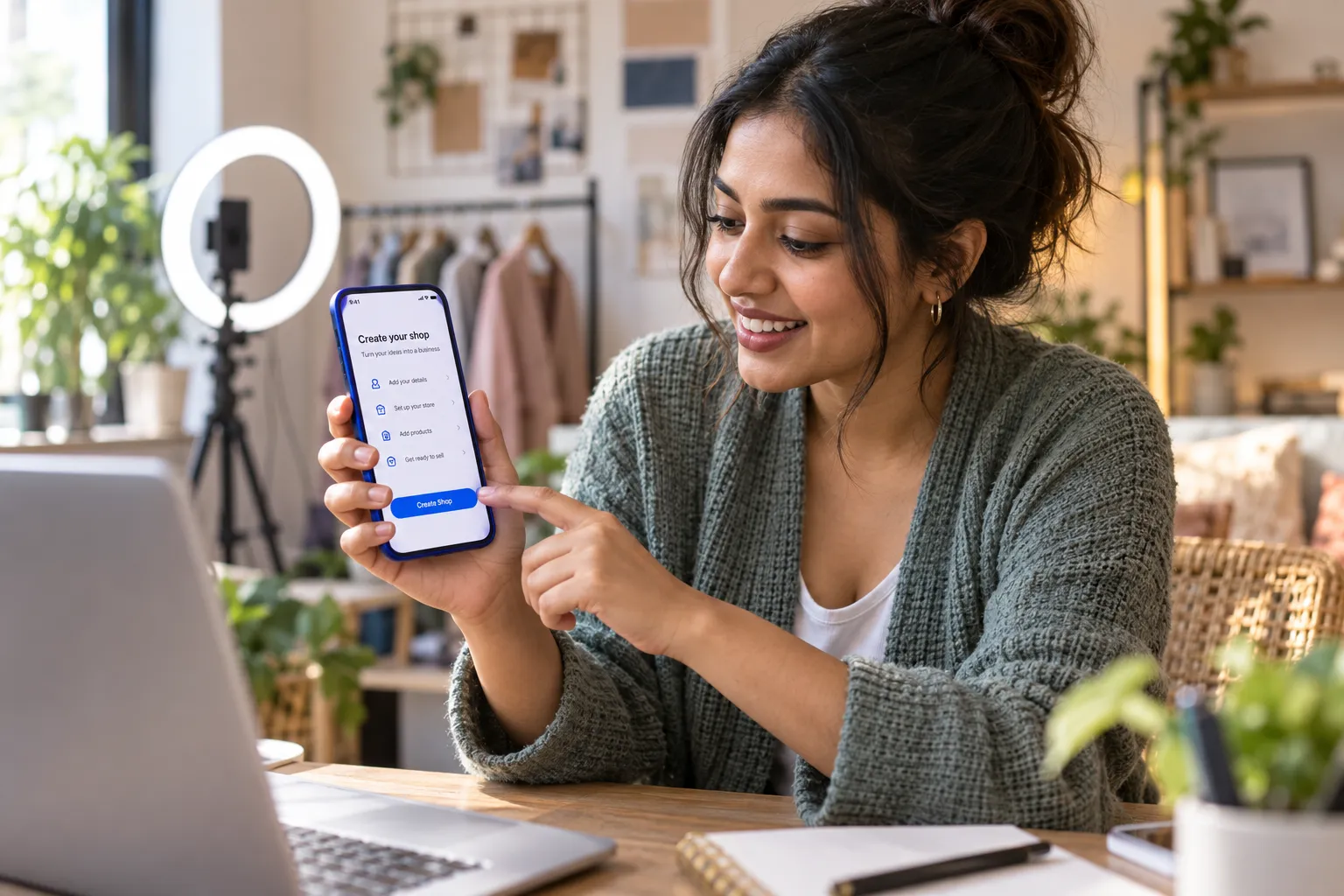
tiktok shop create account
To start selling, you need a TikTok Shop seller account, not just a personal TikTok profile. The tiktok shop create account process asks you to select a seller type, provide identity or business details, submit verification documents, and configure your shop before approval.
Key Takeaways
- Selling on TikTok requires a dedicated seller account, because a personal profile alone cannot access shop features or accept payments.
- You must choose between registering as an individual seller or a business, and this choice determines the documentation you submit during setup.
- Verification is a required step, so preparing your identity documents or business registration details in advance speeds up approval.
- Configuring your shop settings correctly before you apply reduces delays and helps you start generating revenue faster.
- Following the official process in order protects your account from rejection and positions you for sustainable growth on TikTok Shop.
Prepare your information before you begin to reduce mismatches between your application, identification, and payout details.
What Is a TikTok Shop Seller Account (and How It Differs From Your TikTok Account)
A TikTok Shop seller account is the business-facing account you use to list products, manage orders, and operate a shop through TikTok Shop Seller Center. A personal TikTok account is a creator or viewer profile. You can use an existing TikTok account during setup, but it does not replace seller registration or verification.
TikTok Shop Seller Account vs. Personal TikTok Account: Quick Comparison
Seller Center is the control panel for commerce, while your TikTok profile is the public-facing account that can connect to the shop. Shop access is subject to TikTok’s review and current US seller requirements. The comparison below shows each account’s purpose before you register.
| Account type | Main purpose | Typical activities |
|---|---|---|
| Personal TikTok account | Publishing and viewing content | Posting videos, following creators, and interacting with viewers |
| TikTok Shop seller account | Operating a shop | Creating product listings, managing orders, setting shipping details, and reviewing shop performance |
| Linked TikTok account | Connecting content to commerce | Representing the shop through a TikTok profile, subject to account and shop settings |
Who Can Open a TikTok Shop in the US: Eligibility Requirements
US applicants generally register as an individual seller or a business seller. Choose the option that matches the legal person or entity responsible for the shop, since the name and verification details must align with the records you submit. TikTok reviews applications against its seller policies and eligibility rules, which can change. Check the current requirements in Seller Center before submitting, and confirm your contact and business information is accurate.
Your seller application establishes the seller identity; linking a TikTok account is a separate part of setup. For product and category planning, the FastMoss TikTok Data Analytics Platform can help you review TikTok Shop data before deciding what to list.
Documents You Need Before You Start (US Seller Checklist)
Gather the items relevant to your seller type before opening the application. Requirements can vary by registration path, so follow the document prompts in the official registration flow rather than relying on an old checklist.
- Government-issued identification for an individual seller, if requested.
- Business registration and tax information for a business seller, as applicable.
- A phone number or email address you can access to receive verification codes.
- Accurate legal name, business address, and contact details.
- Payout account information and shipping or return details for shop setup.
How to Create a TikTok Shop Account: Step-by-Step Walkthrough
Use the official US TikTok Shop Seller Center registration flow to open your seller account. The tiktok shop create account steps move from registration and seller details to document review, shop configuration, and account linking. Screen labels may change, so follow the prompts in your current application.
Step 1: Start Your Sign-Up on the TikTok Shop Seller Center Website
Open TikTok Shop Seller Center for the United States and choose the option to register as a seller. Confirm that you are on the US seller registration experience before entering personal or business information. The page should guide you through account creation and identify the information required for your seller type. For a screenshot, capture the registration landing page with the country or region selection and sign-up option visible, excluding private account details.
Step 2: Choose Your Registration Method (TikTok Account, Email, or Phone)
Select an available sign-up method: an existing TikTok account, email, or phone number. Choose credentials you control and can access, since you may need them for verification and future account access. Using an existing profile links an access method to registration; it does not make the profile a seller account. Enter the code sent to your email or phone if prompted, then continue to the seller application.
Step 3: Submit Business or Individual Seller Information
Choose individual or business registration based on who will own and operate the shop. Complete the requested legal name, address, contact, and tax or business details. Match names and addresses to your documents, including punctuation and spelling where possible. Review every field before proceeding. A screenshot can document the sequence, but blur names, addresses, tax identifiers, and other sensitive information before saving or sharing it.
Step 4: Upload Verification Documents
Upload the requested identification or business records in the formats and file sizes accepted by the form. Use images with all required text visible, no glare, and no cropped edges. Check that the document belongs to the person or entity named in the application. Submit only items requested through Seller Center, and retain copies for your records. The application may not advance until the files upload successfully and required fields are complete.
Step 5: Set Up Your Shop Profile, Payment, and Shipping Details
Enter a shop name and complete the profile fields shown in your setup flow. Add payout information using the account details requested, then configure shipping, fulfillment, and return information for your operation. Review product category rules before preparing listings, since product eligibility and documentation needs can differ. Keep shop policies and delivery settings realistic for your inventory and fulfillment capacity. The FastMoss TikTok Data Analytics Platform is another option for assessing product categories and market activity.
Step 6: Link Your TikTok Account to Your Shop and Await Approval
Follow the prompts to connect an eligible TikTok account if the setup flow requests one. Confirm the account shown is the profile you intend to associate with the shop, then submit the application. Check Seller Center for its review status and requests for additional information. Approval is not automatic, and timing can vary. Respond to follow-up requests through the account rather than starting another application, which could create conflicting seller records.
Logging In and Navigating TikTok Shop Seller Center on Desktop and Mobile
After your shop is approved, TikTok Shop Seller Center is the workspace for managing your storefront, products, orders, and account settings. Use the sign-in method associated with your seller registration and access the US seller experience. Confirm that the shop name and account details match your application before making changes.
How to Log In to Seller Center on Desktop
On a computer, open the official US Seller Center login page and choose the sign-in option tied to your registration, such as TikTok account, email, or phone, if available. Enter your credentials and complete any verification prompt. If you manage more than one shop, check the selected shop after signing in so updates apply to the correct storefront. Bookmark the login page on a private, trusted device, and sign out when using a shared computer.
Using the TikTok Shop Seller App for On-the-Go Management
For mobile access, install the official TikTok Shop seller app from your device’s app store, then sign in with the credentials connected to your seller account. App features and screen labels can vary by region and release. Use the app to check shop notifications, review order updates, and monitor account activity away from your computer. Keep the app updated, enable a device passcode, and avoid signing in on a phone you do not control. The seller app supports shop operations; it is distinct from the regular TikTok app used to watch and post videos.
Key Seller Center Features Every New Seller Should Know
Start with the dashboard for account alerts and shop status. The product area supports listing management, while order management helps you review purchases and fulfillment tasks. Check performance and analytics areas to understand shop activity, then review account settings for payout, shipping, and shop details. Check notifications regularly so you can respond to platform requests and order updates.
For product and category research, the FastMoss TikTok Data Analytics Platform can provide another view of TikTok Shop activity. Use the FastMoss TikTok Data Analytics Platform alongside Seller Center, which remains the place to manage your listings, orders, and seller settings.
Troubleshooting: Fixing Common TikTok Shop Sign-Up and Login Issues
If your application stalls or Seller Center blocks access, identify the issue before changing account details or submitting another application. The tiktok shop create account process depends on consistent seller information and verification, so repeated attempts with different details can create confusion. Check Seller Center notifications and your registered email first. Use the table to match the symptom with a practical next step, then follow instructions shown in your account.
Verification Rejected? Common Document Errors and How to Fix Them
A rejection notice should identify whether TikTok needs a clearer file, corrected information, or a different document. Compare the notice with your application and make only the requested corrections. Before uploading again, check the document’s legibility, validity, and alignment with the legal name or business information on file. Do not alter a document image or submit unrelated records. If the notice is unclear, use Seller Center support to ask which detail needs attention.
Can't Log In to Seller Center? Password, 2FA, and Device Solutions
Confirm that you selected the sign-in method used during registration. A TikTok account, email, or phone number may lead to different access flows. If a password fails, use the available recovery process and check that you can receive a verification code at the registered contact method. For a code or device issue, update the app or browser, check your connection, and retry from a trusted device. Avoid sharing verification codes or repeatedly requesting new ones before the previous code expires.
What to Do When Your Application Is Pending Too Long
Review your application status and account messages for a request that needs a response. Processing time can vary, so a pending status alone does not confirm a problem. Do not open a second seller application to speed up review. If the status remains unchanged and no action is listed, contact TikTok Shop support through the account and include the application reference, seller type, and submission date. Keep personal identification and tax details out of public posts or messages.
| Problem | Possible cause | What to do |
|---|---|---|
| Document rejected | Unreadable image or details that do not match the application | Read the notice, correct the mismatch, and upload a clear requested file |
| Sign-in fails | Wrong login method, password, or verification access | Use the registered method and recover access through the displayed prompts |
| Review remains pending | Review still in progress or more information requested | Check Seller Center alerts, then contact support if no next step appears |
Your First 30 Days After Setup: From New Account to First Sales

Once your shop is active, focus on reliable operations. Buyers need accurate product details, clear delivery expectations, and timely support. TikTok’s internal data says 70% of users discover new brands and products on the platform, and 83% say TikTok influences their purchase decisions. These findings point to a practical priority: make each listing easy to understand, then publish useful content that shows the product in context.
Listing Products and Activating Your Shop on TikTok
Start with a small, manageable product range. For each listing, use a precise title, clear images, accurate variations, and a description that explains fit, materials, use, and included items. Confirm inventory, pricing, shipping settings, and return information before making products available. Check category rules and match fulfillment capacity to the delivery promise. After publishing, review the storefront as a shopper would, then correct missing images, confusing options, or inaccurate stock promptly.
- Check product details, price, and available inventory.
- Test product links and storefront presentation on mobile.
- Set a routine for order updates, customer messages, and returns.
Scaling Faster With Creator Partnerships and AI Automation
After core listings are ready, test creator partnerships with a clear brief, a sample or product offer where appropriate, and trackable campaign goals. Prioritize creators whose audience and content style fit the product, then review performance using orders, product clicks, and customer response rather than views alone. The FastMoss TikTok Data Analytics Platform can help you examine product and creator activity as you plan tests. Use the FastMoss TikTok Data Analytics Platform for market research; keep seller operations and order management in TikTok Shop Seller Center. As outreach volume grows, Reacher can support more efficient creator discovery and outreach workflows.
For your first tiktok shop create account milestone after approval, aim for a dependable shop experience rather than a large catalog. Set a weekly review for inventory, customer questions, returns, and content results. Repeat the formats and partnerships that bring qualified shoppers to your products. This measured approach gives you a basis for growth without stretching your team or fulfillment capacity.
Next step: Review your shop’s live listings and select one product to feature in a creator brief this week.
Frequently Asked Questions
Do I need 1,000 followers to have a TikTok Shop?
No, the 1,000-follower requirement applies to linking a TikTok account to certain commerce features, not to opening a TikTok Shop seller account. The seller registration process through TikTok Shop Seller Center is based on identity verification and seller eligibility, not follower count.
Do you need an LLC to start a TikTok Shop?
You do not need an LLC to start a TikTok Shop. US applicants can register as either an individual seller or a business seller, depending on who will legally own and operate the shop. Business sellers will need business registration and tax information, while individual sellers typically need government-issued ID.
How much does it cost to set up a TikTok Shop?
Creating a TikTok Shop seller account is free. You register through TikTok Shop Seller Center at no charge, submit verification documents, and configure your shop profile, payout, and shipping details. Your main costs come later, from inventory, fulfillment, and any applicable seller fees.
Can I use my existing personal TikTok account to create a TikTok Shop?
Yes, you can use an existing TikTok account as a sign-up method during TikTok Shop registration. That linked profile connects your content to commerce, but it does not replace seller registration. You still need to complete identity verification and shop setup through Seller Center.
How do I make a new user for TikTok Shop?
TikTok Shop Seller Center lets you add team members to manage your shop after your seller account is approved. Start by completing your own seller registration and verification, then use the account settings in Seller Center to invite new users with the access levels your operation needs.
What documents do I need for the TikTok Shop create account process?
The TikTok Shop create account process requires government-issued ID for individual sellers or business registration and tax details for business sellers. Also prepare an accessible phone or email for verification codes, your legal name and address, and payout account plus shipping information before you apply.
Why was my TikTok Shop seller application rejected or delayed?
Most TikTok Shop application delays come from mismatched details between your application, identification, and payout records. Enter names and addresses exactly as they appear on official documents, upload clear images with no glare or cropped edges, and confirm you meet the current US seller requirements in Seller Center.