

Reacher Stephen
TikTok LIVE Creator Guide: Tools, Studio, and Creator Networks
Everything TikTok LIVE creators need: how to use LIVE Studio, explore Creator Networks, access the creator dashboard, and maximize monetization with the right tools.
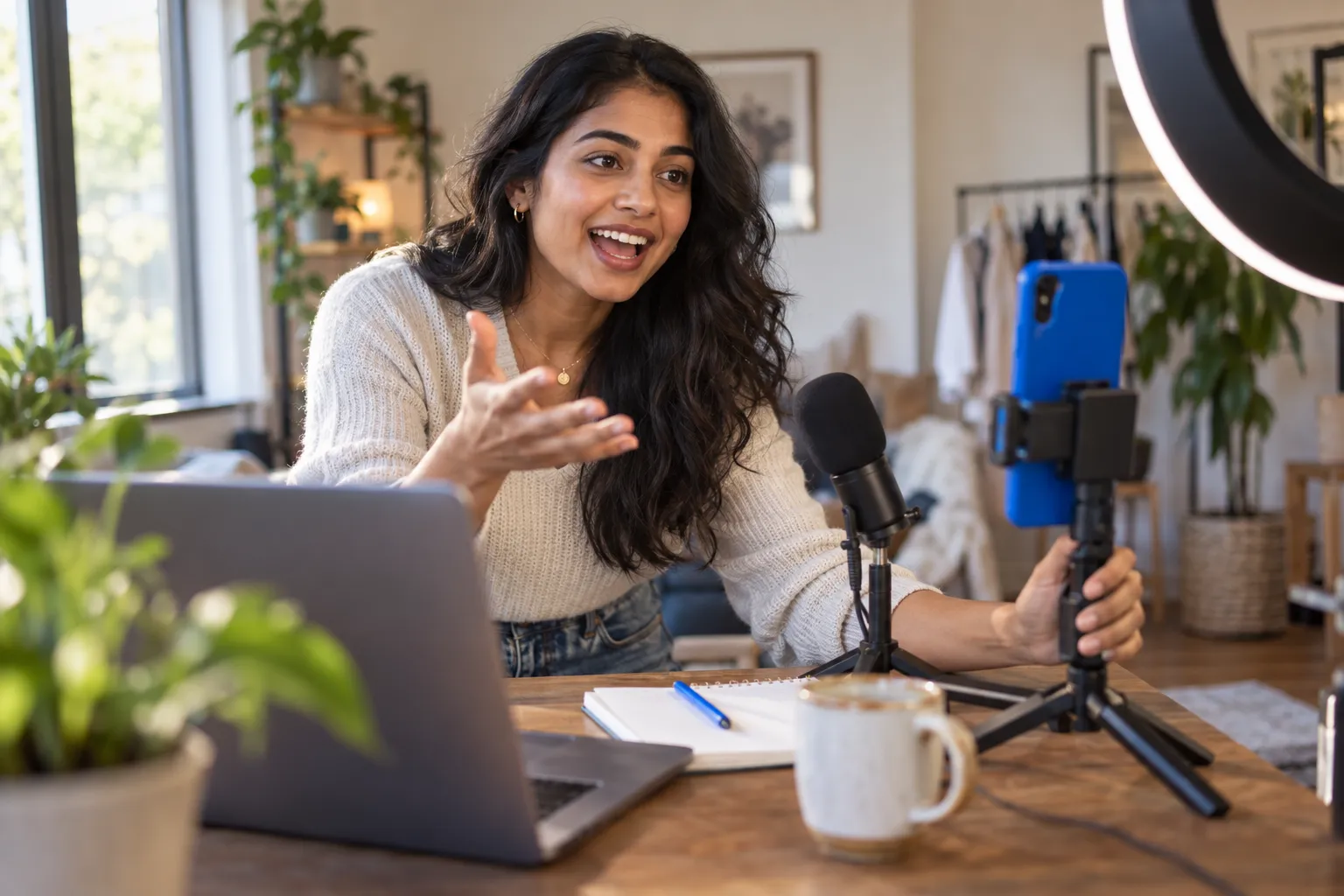
tiktok live creator
A tiktok live creator needs more than a camera and an idea: you need access to LIVE, a reliable broadcast setup, and a repeatable way to learn from each session. TikTok reports that users spend up to 14 minutes longer in-app when engaging with LIVE content, making a well-planned broadcast a meaningful way to hold audience attention.
Key Takeaways
- Success as a tiktok live creator starts with three essentials: access to LIVE features, a dependable broadcast setup, and a consistent process for reviewing each session.
- TikTok's own data shows users stay in the app up to 14 minutes longer when watching LIVE content, so planning your broadcasts pays off in audience retention.
- Treating every livestream as a repeatable system rather than a one-off event helps you identify what works and improve over time.
- Holding viewer attention requires more than showing up on camera; strategy and the right tools make the difference.
This guide connects eligibility, streaming tools, and the creator dashboard into a practical starting system. Use it to identify what you can access now, what to check next, and which tools support your goals.
What Is a TikTok LIVE Creator and How Do You Become One?
A TikTok LIVE creator broadcasts in real time to interact with viewers through video, chat, and, where available, shopping features. To get started, check your account’s LIVE access and regional requirements in TikTok, choose a broadcast format, and prepare a setup that supports clear audio and steady connectivity. Access to LIVE, LIVE Studio, and TikTok Shop features can depend on separate eligibility rules, so confirm each feature inside the relevant TikTok account tools.
TikTok LIVE Explained: Eligibility, Requirements, and Qualification Thresholds
LIVE access is not a single, universal qualification. TikTok sets eligibility conditions that can vary by location and feature, and account standing matters. Check TikTok’s official LIVE creator information and the in-app prompts for current age, follower, and account requirements rather than relying on an outdated threshold. If the LIVE option is missing, review your account status and app version, resolve any notices, and check again in TikTok.
Before your first broadcast, decide what viewers will get from the session: a product demonstration, a Q&A, a tutorial, or a community conversation. Prepare a short opening, a few discussion points, and a clear next step for viewers. This gives you a useful baseline for assessing audience response afterward.
How to Qualify for TikTok Shop LIVE and Product Sampling
TikTok Shop LIVE has its own access and participation rules, which may differ by market and account type. Check eligibility in TikTok Shop’s creator tools, including any requirements for creator status, account standing, or product promotion. Product sampling also depends on campaign terms and seller availability. Review product details, sample conditions, posting expectations, and deadlines before you request or accept an item.
Build a shopping broadcast around products you can explain accurately. Confirm pricing, key features, stock details, and any claims you plan to make. Keep the product visible, answer questions clearly, and use shopping features only after confirming they appear on your account.
The Four Tools Every TikTok LIVE Creator Needs: A Quick Map of LIVE Studio, Creator Dashboard, Creator Networks, and Monetization
Think of the toolkit as four connected functions. LIVE Studio supports computer-based broadcasting; the Creator Dashboard gives you account and performance information; Creator Networks may offer services or support to participating creators; and monetization features provide ways to earn, subject to eligibility. These tools are not interchangeable. Start with the access you already have, then add tools that solve a specific production or growth need.
For research and planning, the FastMoss TikTok Data Analytics Platform can help you examine TikTok content and market activity. Treat external analytics as a planning input, then use TikTok’s own account data to assess your LIVE results. The FastMoss TikTok Data Analytics Platform is a research aid, not a substitute for platform eligibility checks or your creator dashboard.
TikTok LIVE Studio: Setup, Access Requirements, and Advanced Streaming Features
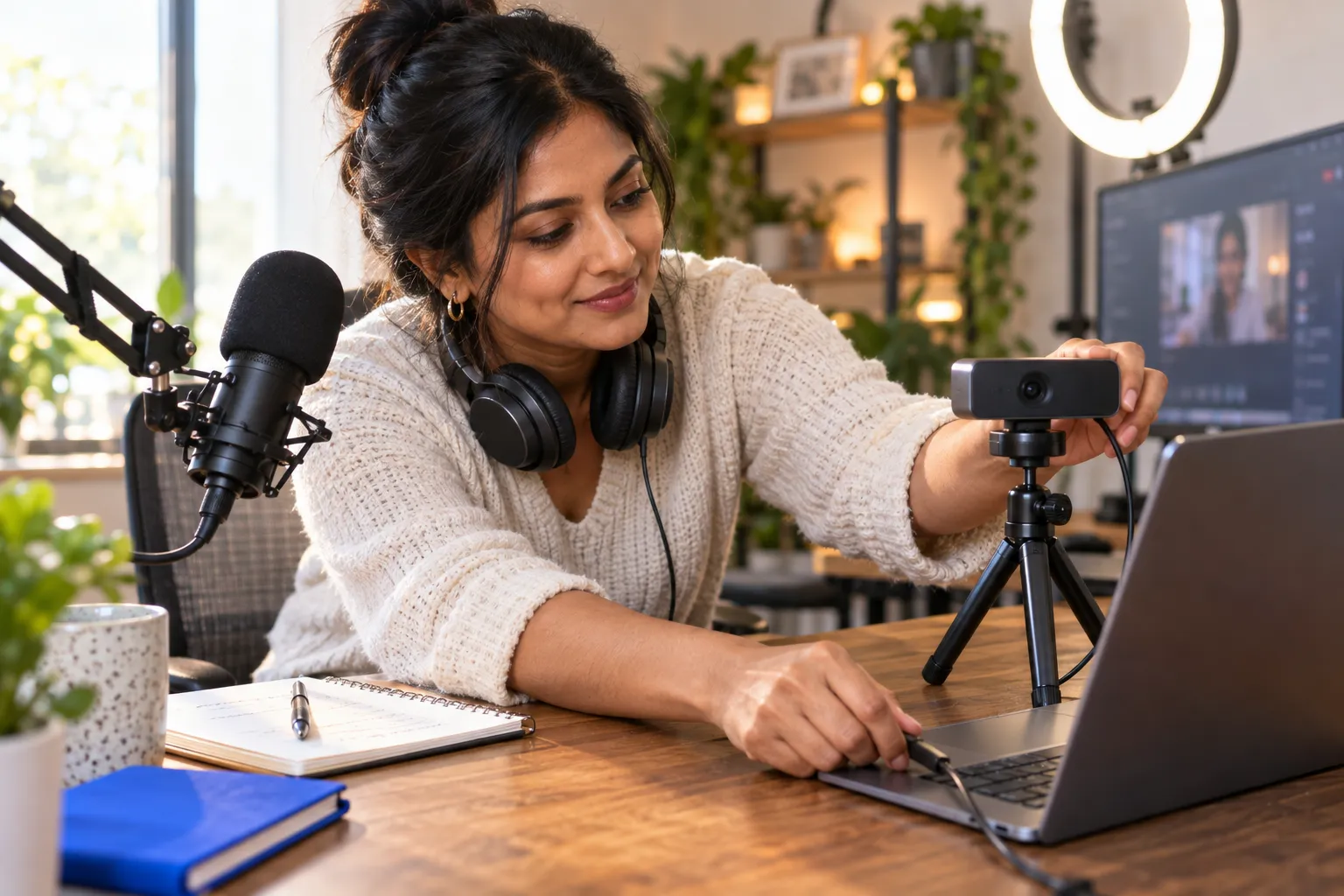
How to Download and Set Up TikTok LIVE Studio: Step-by-Step Guide
TikTok LIVE Studio is TikTok’s desktop application for producing LIVE broadcasts from a computer. Find the official download through TikTok’s LIVE Studio or creator resources, and verify the publisher before installing. Sign in to the account you plan to broadcast from and confirm that LIVE access is available. Set up your camera, microphone, display capture, and scene layout, then run a private or limited test where available to check audio levels, framing, and connection stability.
Keep the opening scene simple: show the subject clearly, remove distracting desktop notifications, and position chat where you can monitor it without losing focus. Test every input before going live. A wired internet connection, when available, can reduce disruptions; headphones can help prevent audio feedback.
Access Requirements and How to Troubleshoot LIVE Studio Availability
Desktop access may depend on account eligibility, location, and TikTok’s current product availability. If the download or sign-in flow does not show the expected options, update the app and operating system, confirm that you are using the correct account, and review account standing. Check TikTok’s official instructions for current access conditions, since requirements can change. Avoid installing unofficial copies or sharing account credentials to gain access.
If LIVE Studio opens but broadcasting remains unavailable, separate the problem into account access, software setup, and network connection. Confirm that your account can go LIVE on TikTok, check camera and microphone permissions, and restart the application after updates. Record any error message so you can give support a precise description.
Stream Keys, OBS, and Third-Party Tools: The Streaming Setup Most Guides Skip
Some creators use a stream key to send a computer-based broadcast through software such as OBS. A stream key connects encoding software to a destination, but availability is controlled by TikTok and may not appear for every account. Never publish or share a stream key: anyone with access may be able to broadcast to your account. If your account offers this option, follow TikTok’s setup instructions and test the full scene, audio mix, and delay before a scheduled LIVE.
Creators without stream-key access can begin with LIVE Studio’s built-in production controls. Network or agency support may include guidance on advanced PC setups, but confirm exactly what access is provided and retain control of your account credentials. Choose a setup that fits your format and technical comfort, prioritizing stable audio and viewer interaction over effects.
Independent vs. Creator Network Agency: An Unbiased Decision Framework
What a TikTok LIVE Creator Network Agency Actually Does
A TikTok LIVE creator network agency may provide onboarding, broadcast coaching, programming feedback, campaign opportunities, or help with brand partnerships. Some networks also support computer-based production setups. The package varies, so verify each service rather than assuming it comes with membership. Ask who delivers the support, how often you can access it, and whether it is available to every member or only selected creators. A network can provide structure and expertise, but it does not guarantee audience growth, income, or brand deals.
Before signing up, clarify how the network gets paid and whether joining affects access to LIVE features, account control, or other opportunities. Read the written terms, including duration, exit conditions, exclusivity, and any share of earnings. Keep your login details private and confirm that you can access your account and performance information independently.
Independent Streaming vs. Joining a Creator Network: Full Comparison
Choose based on the support you need and the control you want to retain. Independent streaming gives you direct ownership of your schedule, format, and business decisions. A network may help if its coaching or campaign access fills a defined gap. Compare the practical differences before making a commitment.
| Decision area | Independent creator | Network member |
|---|---|---|
| Production and planning | You set your workflow and find your own training resources. | Support may include coaching or production guidance; confirm its scope. |
| Campaign access | You seek and manage opportunities directly. | A network may share campaign opportunities, subject to selection and terms. |
| Control and obligations | You manage your schedule and partnerships. | Review any exclusivity, activity expectations, revenue share, or contract period. |
| Best fit | You value autonomy and can manage operations yourself. | You want defined support and accept the agreement’s conditions. |
Join only when documented services are worth the obligations and address a current need. If you already manage production, partnerships, and planning effectively, independence may be the better fit. If you need guidance, request a clear description of what the network will deliver before agreeing.
How to Evaluate and Join a Network: Red Flags, Questions to Ask, and Negotiation Tips
Ask for the agreement in writing and take time to review it. Confirm the contract length, payment terms, termination process, exclusivity, account access rules, and whether the network can use your content or likeness. Request specifics about coaching frequency, campaign selection, and who handles brand communication. Refusal to explain fees, pressure to sign immediately, or a request for your password are red flags. Do not treat verbal promises as contract terms.
Negotiate around measurable services rather than broad promises. You can ask for a shorter initial term, a clear exit clause, or written limits on exclusivity. Compare the offer with your goals for production, income, and business development. A network relationship should make those activities more manageable without taking away needed control.
Monetization and Analytics: Turning LIVE Views Into Measurable Revenue
How TikTok LIVE Creators Earn: Gifts, Diamonds, LIVE Shopping Commissions, and Brand Deals Compared
LIVE income can come from viewer Gifts and related Diamonds, product commissions through shopping features, or paid brand partnerships. Availability and payout conditions depend on TikTok’s rules, account eligibility, and applicable market requirements. Check the terms shown in your account before estimating earnings. Gifts depend on viewer participation, commissions on product interest and qualifying purchases, and brand deals on clear deliverables and agreed payment terms.
| Revenue source | What drives earnings | What to check |
|---|---|---|
| Gifts and Diamonds | Viewer participation during eligible LIVE sessions. | Feature access, conversion rules, and payout conditions. |
| Shopping commissions | Product discovery and qualifying purchases. | Commission terms, product availability, and order attribution. |
| Brand partnerships | Agreed content, audience fit, and campaign deliverables. | Scope, usage rights, payment timing, and disclosure obligations. |
Do not judge an earning model by views alone. Track the action tied to revenue, such as viewer participation, product orders, or completed campaign work. For independent research into TikTok content and market activity, the FastMoss TikTok Data Analytics Platform can serve as a planning resource. Use your account’s own data to assess results, and treat the FastMoss TikTok Data Analytics Platform as external research rather than a source of account eligibility or payout information.
Creator Dashboard Metrics That Matter: Watch Time, Retention, and Conversion Tracking
Use the Creator Dashboard to connect audience behavior with each broadcast’s goal. Watch time indicates how long viewers stay; retention helps show where attention holds or drops; conversion data can connect shopping activity to product interest where available. Review sessions with comparable topics or formats rather than treating one broadcast as definitive. A weekly review helps identify patterns and adjust your opening, pacing, product explanation, or call to action.
Creators who analyze post-LIVE analytics weekly improve engagement by 41% within 90 days, according to Ignite Social Media data. Treat that finding as a reason to establish a review habit, not as a promised outcome. Record the session topic, audience response, key drop-off points, and measurable revenue actions. Then test one change in a future broadcast to identify what influenced the result.
Live Shopping Setup: Showcase, Product Requests, and Brand Partnerships
Before a shopping broadcast, confirm that shopping tools are available on your account, select products that fit the session, and check their details, price, and stock status. Arrange the showcase so viewers can find the item you are discussing. Product requests and samples depend on seller or campaign terms; confirm posting requirements before accepting. During the broadcast, explain product features accurately and make the next step clear without promising results you cannot verify.
- Check product eligibility, listing details, and current availability.
- Agree on campaign deliverables, compensation, and content usage in writing.
- Review order or conversion data after the session and compare it with viewer retention.
Reacher can connect creators and brands through a partnership workflow, giving both sides a way to coordinate campaign opportunities and deliverables. Confirm product fit, timeline, payment, disclosure needs, and measurement plan before a collaboration begins. The FastMoss TikTok Data Analytics Platform can also support market research when assessing content patterns before a partnership conversation.
Best Practices, Moderation, and Frequently Asked Questions

Scheduling, Promotion, and Engagement Tactics That Grow LIVE Audiences
Make each broadcast easy to find and worth returning to. Publish a consistent schedule in your bio, promote an upcoming session within 48 hours, and use a clear topic to set viewer expectations. During the session, welcome viewers by name, ask focused questions, and invite a guest when the topic benefits from another perspective.
- Post the topic, date, and time before each session.
- Prepare an opening question and a few prompts for chat.
- Review comments and audience response after the broadcast, then adjust one element next time.
Safety and Moderation Tools Every TikTok LIVE Creator Should Configure
Set chat controls before broadcasting, not while responding to a disruption. Review TikTok’s comment filters, moderator permissions, and audience controls in your account. Assign a trusted moderator for fast-moving chat and agree how they should handle spam, harassment, or personal information. Avoid displaying private notifications, addresses, or account details during screen sharing. Buffer reported higher retention in communities that feel safe, supporting the value of clear rules and consistent moderation.
TikTok LIVE Creator FAQ: Qualification, Studio Access, Networks, and Earnings
- How do I qualify to go LIVE?
- Requirements vary by feature and location. Check current eligibility and account notices in TikTok.
- Why can’t I access LIVE Studio?
- Access may depend on account eligibility, location, and product availability. Verify your account and consult TikTok’s current instructions.
- Do Creator Networks guarantee growth or income?
- No. Services and terms vary. Review the written agreement, fees, obligations, and exit process before joining.
- How can I improve future broadcasts?
- Review audience response and performance data regularly, then test a specific change to your format, pacing, or engagement approach.
Frequently Asked Questions
Does TikTok pay $1 per 1000 views?
Payouts depend on the program, feature eligibility, and monetization tools available on your account, and rates vary by region and content type. Confirm current earning conditions inside TikTok's own creator tools before planning revenue around any number.
What are the requirements to stream on TikTok?
To stream on TikTok, you need LIVE access on your account, which depends on eligibility conditions like age, account standing, and regional rules. Because these requirements can change, check TikTok's official LIVE creator information and in-app prompts rather than relying on outdated follower thresholds. If the LIVE option is missing, review your account status and app version first.
Where can I find my TikTok stream key?
Your TikTok stream key, when available, is found inside TikTok's LIVE or LIVE Studio settings on your account. Access is controlled by TikTok and tied to eligibility, so not every creator will see the option. Never share your stream key or account credentials, and avoid unofficial tools that request them.
How do you make money on TikTok Live?
You make money on TikTok Live through monetization features like gifts and, where eligible, TikTok Shop LIVE product promotion, all subject to separate access rules. Build shopping broadcasts around products you can explain accurately, confirm pricing and stock details, and verify that shopping features appear on your account before using them.
How many views do you need on TikTok to make $100?
LIVE creators often earn through gifts and shopping commissions rather than view-based payouts. Check your Creator Dashboard and TikTok's eligibility tools for what applies to your account.
What equipment does a TikTok LIVE creator need for a reliable broadcast?
A TikTok LIVE creator needs a camera, a quality microphone, and a stable connection, ideally wired internet to reduce disruptions. Run a private test before going live to check audio levels, framing, and stability, use headphones to prevent feedback, and keep your opening scene simple with desktop notifications off.
What is TikTok LIVE Studio and how is it different from streaming in the app?
TikTok LIVE Studio is TikTok's desktop application for producing LIVE broadcasts from a computer, offering more camera control, scene layouts, and display capture than the mobile app. Access depends on account eligibility and location. Download it only from TikTok's official resources and test every input before your first broadcast.