

Reacher Stephen
TikTok Creator Search Insights: The Complete Action Guide
Learn how to find and use TikTok Creator Search Insights to spot content gaps, master TikTok SEO, and produce original high-performing videos.
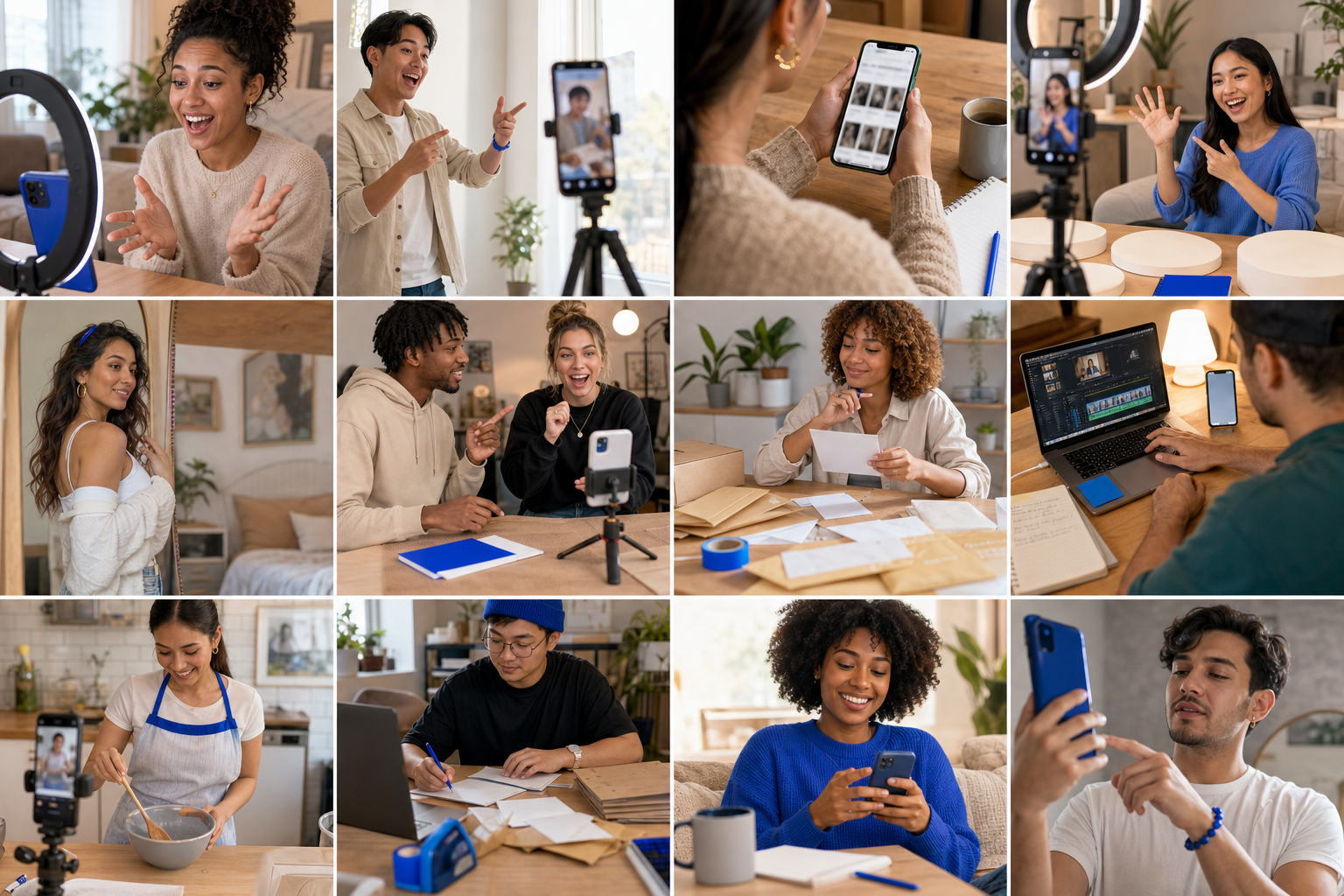
tiktok creator insights
Search visibility on TikTok improves when you can see what people actively search for. tiktok creator insights helps creators and brands choose topics, shape video structure, and connect audience demand with production. This guide explains how to find the tool, read its signals, and turn search behavior into practical decisions.
Key Takeaways
- TikTok Creator Insights shows you exactly what your audience is searching for, so you can align your content with real demand instead of guessing.
- Use the search data from this tool to decide which topics to cover and how to structure your videos for maximum visibility.
- Turning search behavior into content decisions helps you produce videos that answer specific audience questions, boosting your chances of being discovered.
- Regularly checking your Creator Insights lets you spot trending search terms early and adjust your content strategy before the competition does.
The goal is not to copy a trend. Identify an audience need, build an original response, and create a repeatable workflow for discovery, publishing, and commercial planning. Reacher’s Creator Community supports Discord-based creator community management, creator activation workflows, and community-led affiliate growth.
Unlock Your TikTok Audience's Search Intent: A Practical Guide to Creator Insights
The Core Problem: Why Organic Reach Feels Like a Guessing Game
Many videos fail before production quality matters. The topic may be too broad, the wording may not match viewer searches, or demand may be limited. Views can plateau when the opening lacks a clear promise, the caption does not explain the subject, or spoken language gives TikTok’s indexing system too little context.
Search behavior provides a planning signal beyond intuition. Examine the query, audience fit, competition, and content supply. Then decide whether the subject suits a tutorial, demonstration, review, comparison, or creator recommendation.
Introducing TikTok Creator Search Insights: Your Compass for Content
TikTok Creator Search Insights is an in-app discovery tool showing topics people search for and areas where demand may exceed video supply. Its Content Gap view highlights queries with high search interest and a lower video production index, giving relevant videos more room for discovery.
The tool is not a complete content plan. Treat each query as a research brief: check the phrase, identify the likely question, review existing formats, and define a distinct point of view. A search term becomes commercially useful when connected to a real audience problem and suitable offer.
What This Guide Delivers: Bridging Search Discovery and Revenue Growth
This walkthrough connects what people search, what your video should say, how TikTok can classify it, and how creators or brands can use the attention. Evaluate query intent, choose an angle, and prepare a brief with a hook, spoken keywords, text overlay, caption, and audience action.
For TikTok Shop planning, search demand can guide product education and creator selection. A fit query may suit a try-on video, a setup question a demonstration, and a comparison search a testing framework. Reacher’s Creator Community helps teams coordinate creators after topics are selected.
Why This Approach Beats Generic Advice
Advice such as “post consistently” or “follow trends” does not identify the subject, viewer, or commercial purpose. Search-led planning gives each video a defined role. Record against a specific query, monitor qualified views and watch time, and compare traffic with profile visits, product clicks, add-to-cart activity, or sales.
Use data as direction, not permission to publish a duplicate. TikTok indexing evaluates spoken audio through speech-to-text, on-screen wording, and the caption. Original insight, accurate delivery, and audience relevance still determine attention.
Navigating TikTok Creator Search Insights: Step-by-Step for Maximum Clarity

Locating the Tool: The “Search” Bar and “View” Button Maneuver
- Open the TikTok mobile app and tap the search icon.
- Enter a topic connected to your audience, product category, or creator niche.
- Review the results page for a View option associated with Creator Search Insights.
- Tap it to open topic demand, categories, and filters.
- Save promising subjects in a content brief, then validate the query against your audience and offer.
The feature may not appear as a permanent top-level menu item. Account eligibility, regional rollout, app version, and interface changes affect visibility. If the button is absent, update the app, confirm you are using mobile, and check again later. Missing access does not prove that demand is absent.
Understanding the Interface: “All” Tab vs. “Content Gap” Filter
The All tab supports broad research, recurring questions, and content-pillar development. The Content Gap filter narrows results to subjects with high search volume and relatively low video production. A popular query may have demand but heavy competition; a gap may provide more room for a useful, well-positioned video.
Decoding “Content Gap”: Identifying Untapped Audience Demand
A Content Gap does not guarantee viral reach or sales. It signals that viewers search while comparatively few videos exist. Evaluate whether the query has informational, transactional, navigational, or comparison intent, then choose a format that answers it rather than placing a keyword in an unrelated clip.
Leveraging “Searches by Followers”: Audience-Specific Trends
The Searches by followers tab requires at least 1,000 followers. Once available, use it to identify subjects attracting interest from your community. Compare those searches with comments, direct messages, watch time, and product questions to set priorities.
Filter Deep Dive: Targeting Niches
Category filters narrow research into an editorial lane such as fashion, technology, food, beauty, or home. Select a niche matching your expertise and catalog. A topic deserves attention when you can answer it specifically, demonstrate the product naturally, and sustain related videos.
Creator Search Insights vs. TikTok Analytics: Future Intent vs. Past Performance
| Tool | Primary signal | Best use |
|---|---|---|
| Creator Search Insights | Current search demand and content gaps | Selecting subjects before production |
| TikTok Analytics | Past video performance and audience behavior | Improving formats already published |
Use both sequentially. Search data selects the next question; analytics shows whether delivery reached the intended audience. That makes tiktok creator insights more useful than either source alone. tiktok creator insights can guide the brief, while performance data determines the next creative adjustment.
Bridging the Desktop Gap: Essential Workarounds for Campaign Planning
The Mobile-First Challenge: Why Desktop Access Matters for Brands
Creator Search Insights is primarily mobile-based, creating friction for agencies and social commerce teams that plan on computers. Notes, keyword clusters, briefs, approvals, and creator assignments are easier to manage in a desktop workspace. Access may also vary by region, account, or rollout phase. If the View button is absent, treat it as an access limitation, not proof that search demand is absent.
Use mobile for topic discovery, then record the query, audience need, Content Gap, product connection, and proposed format in a shared document. This keeps observations available to creative, media, merchandising, and creator teams.
TikTok Creative Center: A Powerful Desktop Alternative for Trend Spotting
TikTok Creative Center provides desktop trend research. Its dashboards cover popular hashtags, songs, creators, and videos by market or time period. These signals add context: search data indicates what people want to learn, while trend research shows formats, pacing, visual treatments, and cultural references receiving attention.
For each subject, record the search phrase, related trend category, viewer, product relevance, and fresh angle. Do not copy a trending video frame by frame. Use the pattern as context, then create original demonstrations, commentary, testing, or education.
TikTok Ads Manager Keyword Insights: Uncovering Search Volume Data
TikTok Ads Manager Keyword Insights adds a paid-media perspective. Where available, use it to examine keyword themes, audience signals, and commercial relevance. Search volume does not confirm distribution, but it can prioritize topics tied to a product category, buying question, or seasonal need.
Compare organic demand, content supply, and business value. A broad phrase may attract attention but weak product intent; a narrower question may reach fewer people while bringing viewers closer to evaluation. Record exact wording and intent so creators can use the topic naturally in speech, text, and caption.
| Desktop resource | Best signal | Planning application |
|---|---|---|
| TikTok Creative Center | Trending formats, hashtags, songs, and creators | Shape style, timing, and cultural context |
| Ads Manager Keyword Insights | Keyword themes and commercial audience demand | Prioritize topics with product or campaign relevance |
| Mobile Creator Search Insights | Search topics and Content Gap opportunities | Choose questions that deserve original organic content |
Synthesizing Mobile Insights with Desktop Tools for Comprehensive Strategy
Combine the mobile query, Content Gap status, trend signals, keyword context, audience fit, and conversion action in one evidence sheet. Add a confidence label such as exploratory, production-ready, or campaign priority. This distinguishes an interesting topic from one supported by search intent and commercial relevance.
Reacher's Advantage: Streamlining Creator Discovery Beyond the App
Search research is more useful when a suitable creator can execute it credibly. Reacher’s Creator Community supports Discord-based creator community management, creator activation workflows, and community-led affiliate growth. Teams can move from a topic brief to creator coordination without scattered messages or manual status checks.
Organize creators by niche, audience fit, product experience, and campaign readiness. Share the search angle, talking points, disclosure guidance, and deadline through one process. Creators retain their own point of view while campaigns remain tied to a documented search objective.
From Search Demand to Original Content: Preventing Monetization Pitfalls
The “Unoriginal Content” Flag: Why Trending Isn't Enough
A high-demand topic can attract views without qualifying for monetization. The Creator Rewards Program evaluates originality and qualified performance, so copied scripts, recycled footage, compilations, or lightly edited reposts can create payout problems. Use original footage, personal testing, expert explanation, commentary, or documented experience. TikTok’s Creator Academy guidance emphasizes original content standards for creators seeking rewards.
Keep production records, use footage your team owns, and ensure the video contributes meaningful information. Search-led content should answer the same audience question in a recognizably different way.
Strategic Scripting: Weaving High-Demand Topics into Original Narratives
Turn a Content Gap query into a narrative built around the viewer’s problem, your point of view, visible proof, and intended next action. A tutorial can demonstrate setup; a comparison can use stated criteria; troubleshooting can document diagnosis and resolution. This connects the phrase to useful substance.
Write the first sentence for the viewer. State the problem, explain what will be shown, and support it with evidence. Keep delivery specific to your experience, audience, and product category so the video remains clear and original.
Content Gap Execution Checklist: Hook, Spoken Word, Text Overlay, Caption
- Hook: Frame the exact question or problem within the opening seconds.
- Spoken word: Say the primary topic naturally so speech-to-text can identify the subject.
- Text overlay: Add a concise on-screen phrase that matches the video’s actual lesson.
- Caption: Explain the answer, include relevant context, and set an accurate viewer expectation.
- Proof: Show the process, result, test condition, or product use rather than making unsupported claims.
- Originality check: Confirm that the footage, narration, examples, and editing reflect your own work.
Optimizing for Algorithmic Pickup: Hashtags and Keyword Integration
TikTok indexing evaluates spoken audio through speech-to-text, on-screen text overlays, and the caption. Verified creator indexing tests and TikTok guidance support treating these as a connected metadata system. Use the target phrase where it fits, then add one or two specific descriptors tied to the niche, audience, or problem.
TikTok creator insights guide topic selection, but keywords cannot rescue an unclear video. Use relevant hashtags describing the subject, format, or audience instead of unrelated tags. Accuracy supports classification and viewer understanding.
Balancing Trends with Brand Authenticity for Sustained Reach
Trend participation should support a recognizable brand promise. Set boundaries for tone, claims, visual identity, creator fit, and product use. A skincare educator may answer a search through a routine demonstration; a technology creator may test a feature under defined conditions.
Impact on Creator Rewards Program RPM: Turning Insights into Higher Payouts
Search demand may improve the chance of attracting qualified viewers but does not guarantee RPM or payout. Eligibility, originality, watch time, audience location, content quality, and program rules affect monetization. Use search data to select a relevant subject, then focus on retention through a clear promise, useful detail, pacing, and an accurate payoff.
Pros and Cons of Search-Led Monetization Planning
Pros
- Creates a defined production brief from real audience questions.
- Supports clearer speech, overlays, captions, and topic classification.
- Helps creators develop original answers instead of copying trends.
Cons
- Search demand does not guarantee reach, eligibility, or RPM.
- Keyword use can feel forced if the script lacks a useful answer.
- Trend signals can become outdated before production is complete.
Use Creator Community for briefs, feedback, revisions, and campaign coordination. The workflow is direct: identify the question, develop an independent answer, prove value on camera, and review monetization requirements before publication.
Actionable Strategy: Translating Insights into TikTok Shop Success

Crafting Data-Driven Creative Briefs for Affiliates
Turn each search topic into a brief containing the viewer’s question, product connection, audience, hook, proof point, disclosure, and conversion action. Specify whether the video should demonstrate, compare, explain, test, or review. Set boundaries for claims, pricing, and product use while allowing the creator’s delivery style.
Define the evidence required. Beauty content may show application and wear time; home content may show setup and function; apparel content may show fit, fabric, and movement. Add the target phrase to the spoken outline, overlay, and caption only when it accurately describes the content.
Identifying High-Potential Creators Based on Search Trends
Search demand should guide creator selection as well as topic selection. Match the query with creators whose audience, experience, and presentation fit the intent. A technical question needs clear explanation, a styling query needs visual demonstration, and a product problem may suit a creator who can show an authentic process.
Assess geography, niche relevance, comment quality, past product content, posting consistency, and communication reliability. Follower count alone does not prove commercial suitability. Prioritize creators who explain naturally and produce original footage.
Aligning Creator Content with Search Demand for Commercial Goals
Connect every angle to one business objective. Awareness introduces a category, consideration answers objections or explains differences, and conversion demonstrates use, presents an offer, and directs viewers to the TikTok Shop product page. Give each creator a role in the customer journey.
Build a matrix with search topic, creator, product message, and desired action. This reveals missing coverage, such as educational videos without product demonstrations or persuasive reviews that do not answer the original query. Reacher’s Creator Community organizes these assignments through Discord-based creator community management, creator activation workflows, and community-led affiliate growth.
Measuring Impact: Beyond Views to Conversion and Revenue
Views indicate distribution, not business success. Track qualified watch time, completion rate, profile visits, product-page clicks, click-through rate, add-to-cart activity, orders, conversion rate, commission, and revenue per creator. Compare results by topic and format. A video with fewer views may produce stronger sales if it reaches viewers with clear purchase intent.
Use a consistent attribution window and label creator links or affiliate codes. If attention is strong but clicks are low, improve the product explanation or call to action. If clicks are strong but purchases are weak, inspect product-page clarity, pricing, shipping, reviews, and offer competitiveness.
Troubleshooting Common Issues: Missing Features, Low View Plateaus, and Next Steps
If the tool or View button is missing, update the app, check account eligibility, and review access later because availability varies by region and account. Maintain a desktop log using Creative Center and Ads Manager Keyword Insights while native access is unavailable.
For a low-view plateau, check whether the opening states the question, spoken topic matches the overlay and caption, and useful proof appears immediately. Rework one variable at a time, such as hook, pacing, framing, or demonstration. Avoid reposting the same clip with minor edits because originality and viewer value remain essential.
Reacher: Automating Your Path to Scalable TikTok Shop Growth
Manual outreach is difficult when topics, briefs, approvals, affiliate links, and reports sit in separate systems. Reacher’s Creator Community provides an operating layer for recruitment, campaign communication, content coordination, and affiliate activation. Teams can move from a validated topic to an organized assignment without losing the commercial objective.
Start with one product category and focused search-led briefs. Assign creators by audience fit, review drafts against the brief, and measure revenue alongside attention. Retain the topics, formats, and relationships producing qualified traffic and repeatable sales. Use search demand to choose the opportunity, creator expertise to shape the message, and Reacher’s Creator Community to turn the process into a repeatable TikTok Shop growth system.
Frequently Asked Questions
What are creator insights on TikTok?
TikTok Creator Search Insights is an in-app research tool that shows topics people search for and areas with relatively low video supply. Creators can use the All tab for broad topic research and Content Gap to find demand with fewer competing videos. Search signals can guide hooks, captions, formats, and product education.
Does TikTok pay $1 per 1,000 views?
TikTok does not guarantee a fixed payment of $1 per 1,000 views. Creator earnings vary by program eligibility, audience location, qualified views, content performance, and other platform rules. TikTok Creator Search Insights can guide topic selection, while affiliate sales, product clicks, and brand partnerships may create additional revenue paths.
What insights can a TikTok creator page see?
A TikTok creator page can access performance information such as views, watch time, audience activity, traffic sources, and engagement, depending on account features and eligibility. TikTok Creator Search Insights adds forward-looking search demand, while analytics shows how published videos performed. Comparing both helps creators plan more focused content.
How can I see who stalks my TikTok?
TikTok may show profile view history if the feature is available and enabled for your account, but it does not provide a complete list of every person who views your content. Profile view history only covers eligible accounts and a limited time period. Video views and Creator Search Insights do not identify individual viewers.
Can you tell if someone is looking at your TikTok?
TikTok can show some profile visits through profile view history, but creators cannot see every person watching a video or browsing their content. The feature has account, age, and activity requirements, and both accounts may need the setting enabled. Creator analytics provides audience patterns rather than a full viewer identity list.
How can TikTok Creator Search Insights improve content planning?
TikTok Creator Search Insights improves content planning by connecting active search demand with a specific audience question or need. Creators can build a brief around the query, including a clear hook, spoken keywords, on-screen text, caption, format, and viewer action. Performance can then be compared with watch time, profile visits, product clicks, or sales.