Reacher Blog
/16 min read
Reacher Team

Reacher Team

How to Become a Video Gaming Creator: Free Tools & Tips

Learn how to become a video gaming creator with free tools, no-code platforms, and expert tips. Start building your game today with Reacher.

Top Free and Affordable Game Creation Tools Compared

The dream of creating and sharing your own video games is more accessible than ever. Gone are the days when game development was exclusively the domain of highly specialized programmers and expensive studios. Today, aspiring creators can use powerful, often free, tools to bring their visions to life, from simple 2D experiences to complex 3D worlds. Whether you want to build your first interactive project or scale up your ambitions, understanding the current tools and strategies is key to becoming a successful video gaming creator.

This guide cuts through the noise, focusing on practical, actionable advice and the most effective platforms available. We will examine the evolution of game creation software, compare the leading free and affordable options, and show you how to start building your own games without a steep coding barrier. Prepare to discover the pathways to making your mark in digital entertainment.

The Evolution of the Video Gaming Creator: From Code to No-Code

The journey of a game developer has transformed dramatically. Historically, creating a video game meant mastering complex programming languages like C++ or C#, often requiring years of dedicated study. This created a significant barrier to entry. Yet, modern technology has ushered in an era of democratization, where powerful game engines and visual scripting tools enable individuals with diverse skill sets to become game developers. The modern video gaming creator does not necessarily need to write thousands of lines of code; they need creativity, a vision, and the right tools to execute it.

This shift is largely driven by the emergence of game engines that abstract away much of the low-level programming. These platforms provide integrated development environments (IDEs) that handle everything from rendering graphics and managing physics to providing asset pipelines and debugging tools. The focus has moved from the 'how' of programming to the 'what' of game design and player experience. This evolution means that individuals with strong design sensibilities or artistic talent can now translate their ideas into playable experiences with greater ease and speed.

What Defines a Modern Video Gaming Creator?

A modern video gaming creator is defined by their ability to conceptualize, design, and bring interactive experiences to life. This role extends beyond just coding; it encompasses game design principles, narrative structure, level design, and an understanding of player engagement. They are often resourceful, using existing tools and assets to accelerate their workflow. Whether they are a solo developer working on an indie hit or part of a small team, their success hinges on translating creative ideas into functional, enjoyable games.

The definition also includes a growing segment of content creators who build games specifically for sharing on platforms, or who use game creation tools for educational or experimental purposes. These creators often prioritize rapid iteration and accessibility, making them key figures in the expanding creator economy. Their output might range from small, polished prototypes to ambitious, long-term projects.

Browser-Based vs. Downloadable Software

The choice between browser-based and downloadable game development software presents distinct advantages for different creators. Browser-based tools, such as Flowlab or Construct 3, offer unparalleled accessibility. You can start creating immediately from any computer with an internet connection, eliminating installation hassles and system requirement concerns. This makes them ideal for beginners, educators, or those who need to work across multiple machines. They often feature intuitive drag-and-drop interfaces and visual scripting, which significantly lowers the learning curve.

Downloadable software, like Godot or GameMaker, typically provides a more powerful and feature-rich environment. These applications are installed directly onto your computer, offering greater control over project assets, performance optimization, and complex integrations. While they might require a more substantial initial setup and potentially higher system specifications, they often provide deeper functionality for advanced features, larger project scopes, and more complex game mechanics. The choice often depends on the project's complexity, the creator's technical comfort level, and their need for portability versus raw power.

Core Export and Publishing Capabilities

A fundamental aspect of any game creation tool is its ability to export and publish your finished game. Modern engines aim to support multiple platforms, allowing creators to reach the widest possible audience. Common export targets include Windows, macOS, Linux, HTML5 (for web browsers), and even mobile platforms like Android and iOS. The ease and reliability of these export functions are essential for turning a developed game into a distributable product. For example, a game maker tool must efficiently package all game assets and code into an executable or web-deployable format.

Publishing capabilities can range from simple file generation to integrated deployment options. Some platforms provide direct integration with app stores or web portals. For creators focused on web games, reliable HTML5 export is a key feature, ensuring your game runs smoothly across different browsers. For those targeting PC, reliable executable generation for popular operating systems is paramount. Understanding these capabilities upfront helps a video gaming creator plan their release strategy and ensures their hard work can be shared effectively with players worldwide.

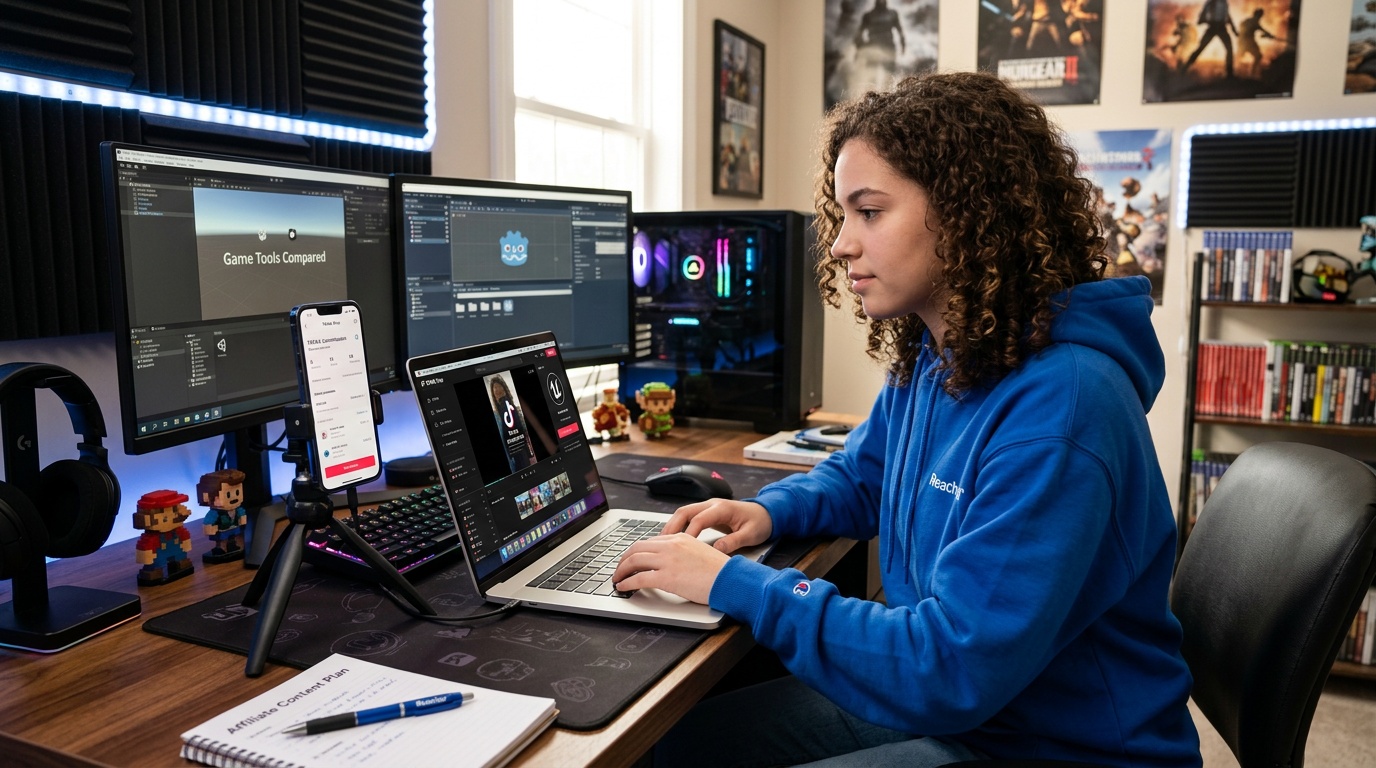
Top Free and Affordable Game Creation Tools Compared

Top Free and Affordable Game Creation Tools Compared

Selecting the right game creation tool is a foundational decision for any aspiring developer. Fortunately, the market offers a compelling range of options that balance power, accessibility, and cost. For individuals looking to get started without significant financial investment, free and open-source engines are excellent entry points. These tools provide comprehensive feature sets capable of producing professional-quality games, challenging the notion that high costs are necessary for high-quality creation. The primary goal is to enable creators to focus on their vision rather than technical limitations.

When evaluating these tools, consider factors such as the learning curve, the types of games they excel at (2D versus 3D), the availability of community support, and their export options. For example, a tool that offers extensive tutorials and a supportive community can dramatically speed up the learning process for a beginner. Similarly, understanding whether a tool is geared towards 2D platformers or complex 3D simulations will guide you towards the best fit for your project ideas. This comparison aims to highlight the strengths of leading platforms, helping you make an informed choice for your game development journey.

Godot vs. GameMaker: The Shift Toward Open-Source

Godot Engine stands out as a powerful, completely free, and open-source game engine that has rapidly gained traction among developers. Its permissive MIT license means no royalties or hidden fees, making it an attractive option for creators of all scales. Godot offers a strong feature set for both 2D and 3D game development, with its own scripting language (GDScript, similar to Python) and support for C#. The engine is known for its node-based architecture, which provides a flexible and intuitive way to build game scenes and objects. Its open-source nature also fosters a strong community that actively contributes to its development and provides ample support.

In contrast, GameMaker, while historically a popular choice for 2D game development and powering indie classics like Undertale, operates on a commercial licensing model. While it offers a free tier for learning and prototyping, more advanced features and the ability to export to various platforms require paid licenses. Recent criticisms suggest GameMaker's pricing is not really competitive with engines like Unreal, Unity or Godot when considering its feature set at higher tiers. This cost factor can be a significant consideration for independent creators or small studios operating on tight budgets, highlighting the growing appeal of fully free alternatives like Godot.

Flowlab and Construct 3: Browser-Based Powerhouses

Flowlab is a remarkable browser-based game creation platform that democratizes game development by offering an entirely visual, no-code interface. It's designed for rapid prototyping and ease of use, allowing users to build games directly in their web browser. Flowlab boasts an impressive track record, with millions of games created on its platform, demonstrating its capability and appeal. Its accessibility means anyone with an internet connection can start designing and testing games without any downloads or complex installations. This makes it an excellent choice for educational purposes, quick game jams, or for creators who prefer a visual approach to logic.

Similarly, Construct 3 provides a powerful, event-sheet-based system for creating 2D games, also entirely within a web browser. It eliminates the need for traditional programming, using a logic system that is highly intuitive and quick to learn. Construct 3 is known for its performance and the wide array of features it offers, including advanced physics, particle effects, and platform-specific export options. While it operates on a subscription model, its browser-based nature and focus on 2D game creation make it a top contender for creators seeking an efficient and accessible development pipeline without deep coding knowledge.

Feature and Pricing Breakdown for 2026

When evaluating game development tools for their potential value in 2026, a clear understanding of features and pricing is essential for any serious video gaming creator. Godot Engine remains a standout for its comprehensive feature set and zero cost. It supports 2D and 3D development, offers a flexible node-based scene system, and includes its own scripting language (GDScript) alongside C# support. For those prioritizing open-source and complete freedom from licensing fees, Godot is a top-tier choice. Its community is active and growing, providing a wealth of resources and support.

GameMaker offers a user-friendly environment, particularly strong for 2D games, and has a history of powering successful indie titles. Yet, its pricing structure can become a barrier. While a free version exists for learning, exporting games to desktop or mobile platforms requires paid licenses, which can be substantial compared to free alternatives. Flowlab and Construct 3 excel in browser-based, no-code 2D game development. Flowlab is entirely browser-based with a free tier and paid options for more features, while Construct 3 uses a subscription model but offers extensive 2D capabilities accessible from any browser. The decision often hinges on budget, desired platform support, and the preference for visual scripting versus more traditional engine workflows.

For aspiring creators prioritizing zero cost and open-source flexibility, Godot Engine is the leading choice, offering strong 2D and 3D capabilities. If a purely visual, browser-based approach is preferred, Flowlab provides an accessible entry point with millions of games already created on its platform, while Construct 3 offers advanced 2D features via subscription. GameMaker is a powerful option, especially for 2D, but its licensing costs can be a consideration for budget-conscious developers.

How AI is Redefining the Video Gaming Creator Workflow

AI-Assisted Game Development: Text-to-Game Mechanics

The integration of AI into game development is reshaping how video gaming creators transform ideas into playable experiences. Text-to-game mechanics, powered by advanced language models, allow creators to describe gameplay elements, storylines, or interactions in natural language and receive functional game components in return. This bypasses the need for extensive programming knowledge and accelerates the development process dramatically. Instead of writing code line by line, creators can now input design intentions, and AI will generate scripts, behaviors, or mechanics that align with those descriptions.

This approach not only lowers the barrier for newcomers but also improves productivity for experienced developers by speeding up prototyping and iteration. The ability to convert plain text into interactive game logic democratizes game creation, enabling a broader audience to participate in the creative process. Tools incorporating this technology are especially valuable for creators aiming to build 3D game worlds without prior coding experience, offering a scalable path from concept to functional gameplay.

Streamlining Asset Creation with Artificial Intelligence

Beyond mechanics, AI significantly simplifies asset creation, an often time-consuming and technical aspect of game development. Modern AI-powered platforms can generate 2D sprites, 3D models, textures, animations, and sound effects based on simple prompts or existing references. This capability reduces dependence on manual design skills or costly outsourcing, enabling creators to produce high-quality assets rapidly.

For a video gaming creator, this means that the visual and auditory elements of a game can be developed concurrently with gameplay, shortening development cycles. AI tools can also adapt assets dynamically, modifying styles or optimizing models for different platforms automatically. This flexibility supports iterative design and experimentation, essential for refining player experience without the overhead of traditional asset development pipelines.

Why Traditional Engines Are Losing Ground to AI

Traditional game engines, while powerful, often require steep learning curves, significant manual coding, and extensive asset preparation. These challenges have limited the scale and speed at which many creators can produce games. AI-driven solutions address these pain points by automating complex tasks, offering intuitive natural language interfaces, and integrating asset generation directly within the development environment.

This shift is leading to a decline in reliance on conventional engines for many creators, especially those focused on rapid prototyping or smaller-scale projects. AI-powered platforms enable developers to focus on creative vision and player engagement rather than technical overhead. This evolution is particularly relevant for those exploring 3d game creator online, expanding accessibility beyond traditional software limitations.

Adopting AI tools like AI Creator Search is not just about automation, but about strategic advantage. By ranking creators and assets through AI-powered analytics, video gaming creators gain clarity and confidence in their development pipelines. This reduces guesswork and maximizes the impact of their efforts, an essential differentiator in the competitive gaming market.

From Idea to Launch: Your First No-Code 3D Game

Transforming a game idea into a playable 3D experience without writing a single line of code is now a tangible reality for aspiring creators. The journey that once required deep technical expertise is now accessible through intuitive, visual development platforms. This roadmap breaks down the process into manageable, efficient steps, directly addressing the common pain point of steep learning curves associated with traditional game development. We focus on enabling your creative potential, allowing you to build and launch your first game with confidence and speed.

The key is to use tools designed for rapid prototyping and immediate feedback. By focusing on visual scripting and integrated asset creation, you can bypass complex programming languages and concentrate on game design and player experience. This approach allows for quick iteration, testing your core mechanics and concepts before investing significant time into detailed development. Our aim is to provide a clear, actionable path from concept to a deployed game, demonstrating that the dream of becoming a video gaming creator is within reach for everyone.

Step 1: Rapid Prototyping with Visual Scripting

The initial phase of game development is essential for validating your core concept. Visual scripting tools, often found in no-code or low-code game engines, allow you to design game logic and mechanics using a drag-and-drop interface or flowcharts. This method translates abstract ideas into functional game elements quickly. For example, you can define player movement, object interactions, or basic AI behaviors by connecting nodes or selecting pre-built behaviors, rather than writing code. This visual approach significantly accelerates the prototyping phase, allowing you to test your gameplay loop and core mechanics efficiently.

Platforms like Flowlab, which has powered over 3 million games, excel in this area. They provide a browser-based environment where you can experiment with different game ideas without installations. This immediacy is invaluable for testing concepts, identifying what is fun, and making necessary adjustments early on. A strong prototype built with visual scripting sets a solid foundation for further development, ensuring you are building a game that players will enjoy, informed by real-time testing rather than theoretical design.

Step 2: Implementing 3D Mechanics Without Code

Bringing your game into three dimensions without coding requires a game engine that handles the complexities of 3D rendering, physics, and interaction. Modern platforms offer visual editors and component-based systems that allow you to place and manipulate 3D assets, define their properties, and set up interactions through intuitive interfaces. You can implement mechanics like character control, environmental puzzles, or physics-based challenges by assembling pre-made components and configuring their parameters.

Tools designed for 3d game creator online, such as those found on Rosebud AI, are increasingly offering text-to-game capabilities. You can describe desired mechanics, and the AI can assist in generating the underlying logic. This dramatically simplifies the implementation of complex 3D interactions. By focusing on asset placement, behavior configuration, and AI-assisted logic generation, you can build sophisticated 3D gameplay without extensive programming knowledge, making the creation of a game maker 3d project more accessible than ever.

Step 3: Multi-Platform Export and Launch Strategy

Once your game is developed, the final step is to share it with the world. A capable game creation tool provides straightforward export options for multiple platforms. For web-based games, HTML5 export is paramount, allowing players to access your game directly through their browsers. For desktop distribution, easy generation of executable files for Windows, macOS, and Linux is essential. Mobile platforms like Android and iOS are also common targets, requiring specific build processes.

A well-defined launch strategy ensures your game reaches its intended audience. This involves deciding where to publish (e.g., your own website, itch.io, or potentially app stores), how to market it, and how to gather player feedback. For creators aiming to monetize, understanding the export capabilities of their chosen tool is key to supporting various business models. The goal is to make the transition from development to distribution as smooth as possible, allowing you to focus on player acquisition and engagement rather than technical export hurdles.

Your First No-Code 3D Game: A Step-by-Step Blueprint

  • Step 1: Conceptualize & Prototype

    Define your game's core mechanics and target audience. Use visual scripting in a browser-based editor like Flowlab to quickly build and test your primary gameplay loop. Iterate rapidly based on immediate feedback.

  • Step 2: Build Your 3D World

    Select a game creator online free that supports no-code development. Import or generate 3D assets and use the visual editor to implement core 3D mechanics, physics, and interactions. Use AI assistance for complex behaviors if available.

  • Step 3: Refine & Polish

    Add sound effects, background music, and user interface elements. Conduct thorough testing to identify and fix bugs. Optimize performance to ensure a smooth experience across target platforms.

  • Step 4: Export & Launch

    Use the platform's export features to build your game for your desired platforms (Web, PC, Mobile). Develop a marketing plan and choose distribution channels to share your creation with players.

  • Step 5: Gather Feedback & Iterate

    Engage with your player base, collect feedback, and plan for updates or future projects. This continuous cycle is key to long-term success as a video gaming creator.

For a visual walkthrough, check out this example video tutorial on building a simple 3D platformer with no code.

Frequently Asked Questions About Game Development Platforms

Frequently Asked Questions About Game Development Platforms

Navigating game creation software can bring up many questions, especially for those new to the field. Understanding the capabilities and limitations of different platforms is key to choosing the right tool for your project and skill level. This section directly addresses common inquiries, providing clear, concise answers to help you make informed decisions and avoid common pitfalls on your path to becoming a successful developer.

We aim to demystify the process, covering essential aspects like coding requirements, pricing models, and learning curves. Whether you're exploring the possibility of building a 3D game without prior experience or trying to determine the best engine for beginners, these answers are designed to equip you with the knowledge needed to start building your dream game effectively and efficiently.

Common Questions About Game Creation Tools

Can I make a 3D game without any coding experience?

Yes, absolutely. Many modern game development platforms are designed specifically for creators without coding backgrounds. These tools often feature visual scripting, drag-and-drop interfaces, and pre-built game components. Some advanced platforms even incorporate AI to translate natural language descriptions into game mechanics, further lowering the barrier to entry for 3D game creation online. You can focus on design and visual elements while the engine handles the underlying programming.

Is GameMaker completely free to use?

GameMaker offers a free version that allows users to learn and experiment with its features. However, to export your completed games to various platforms like desktop or mobile, you will need a paid license. While the free version is excellent for aspiring creators to get acquainted with the engine, its commercial use and broad distribution capabilities require purchasing a subscription or license, making it not entirely free for full project development and release.

Which game engine has the lowest learning curve for beginners?

For absolute beginners, browser-based, no-code engines like Flowlab or visual scripting engines such as GDevelop often present the lowest learning curve. These platforms prioritize ease of use with drag-and-drop interfaces and event-based logic systems that abstract away complex programming. While GameMaker is also considered beginner-friendly, its visual scripting is more complex than simpler alternatives. For 3D game creation, tools that offer AI assistance or extensive visual programming can also be more accessible than traditional engines requiring extensive coding.

How to Become a Video Gaming Creator: Free Tools & Tips | Reacher